What it does
The Ask AI button sits at the bottom right of every page in the app. It opens a side panel where you can ask how to do something, what a result means or what an action costs. Answers come from the Kashifo manual and from the live price list, so they match what the app charges.
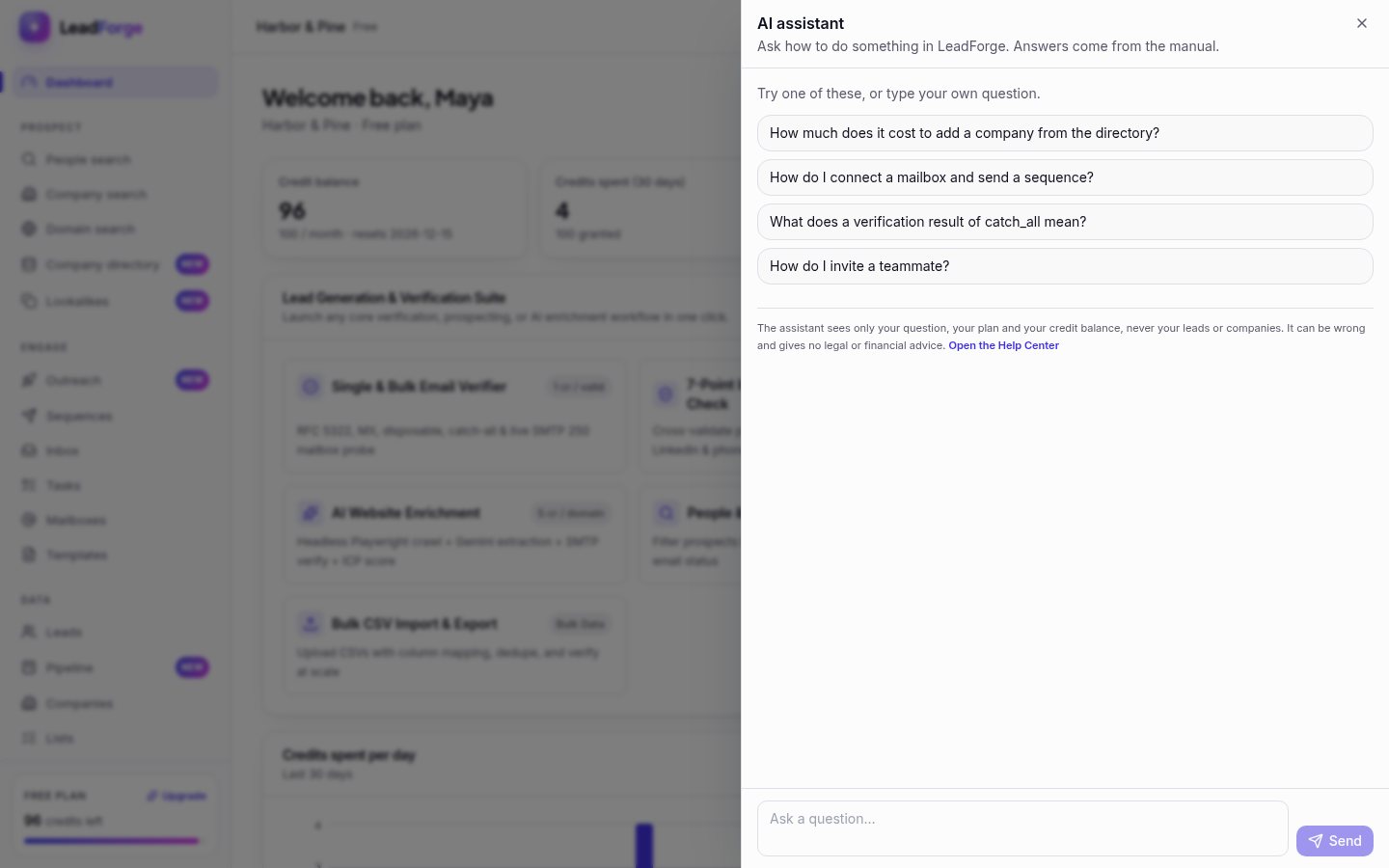
- It is free and does not use credits.
- You can ask up to 40 questions per hour.
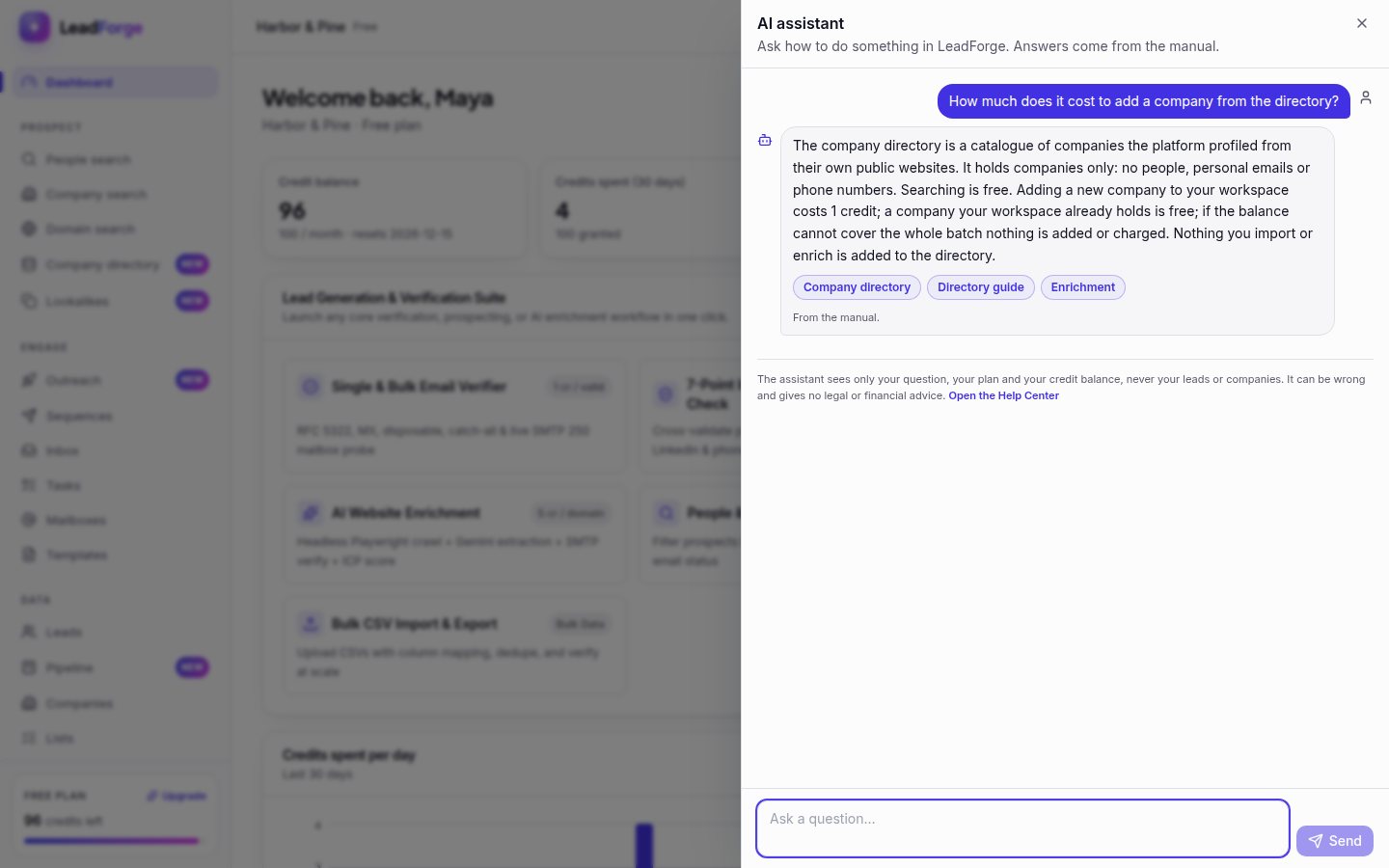
- Each answer comes with links to the pages it mentions, so you can go straight there.
Ask a question
- 1Click Ask AI, bottom right.
- 2Type a question, for example "How much does it cost to add a company from the directory?", and press Enter (Shift+Enter adds a line).
- 3Read the answer and use a link under it to open the page.
What it can and cannot see
- It sees your question, your plan name, your role and your credit balance.
- It never sees your leads, companies, lists, emails or any other workspace data.
- It does not take actions for you. It only explains and links.
- It gives no legal or financial advice.
Two kinds of answer
When the AI model is available, the answer is written for your question from the manual and is marked "AI answer from the manual". When the model is unavailable, the assistant still works: it shows the closest part of the manual as written and marks it "From the manual". Either way, check the linked page before you rely on an answer that matters, such as a price or a limit.