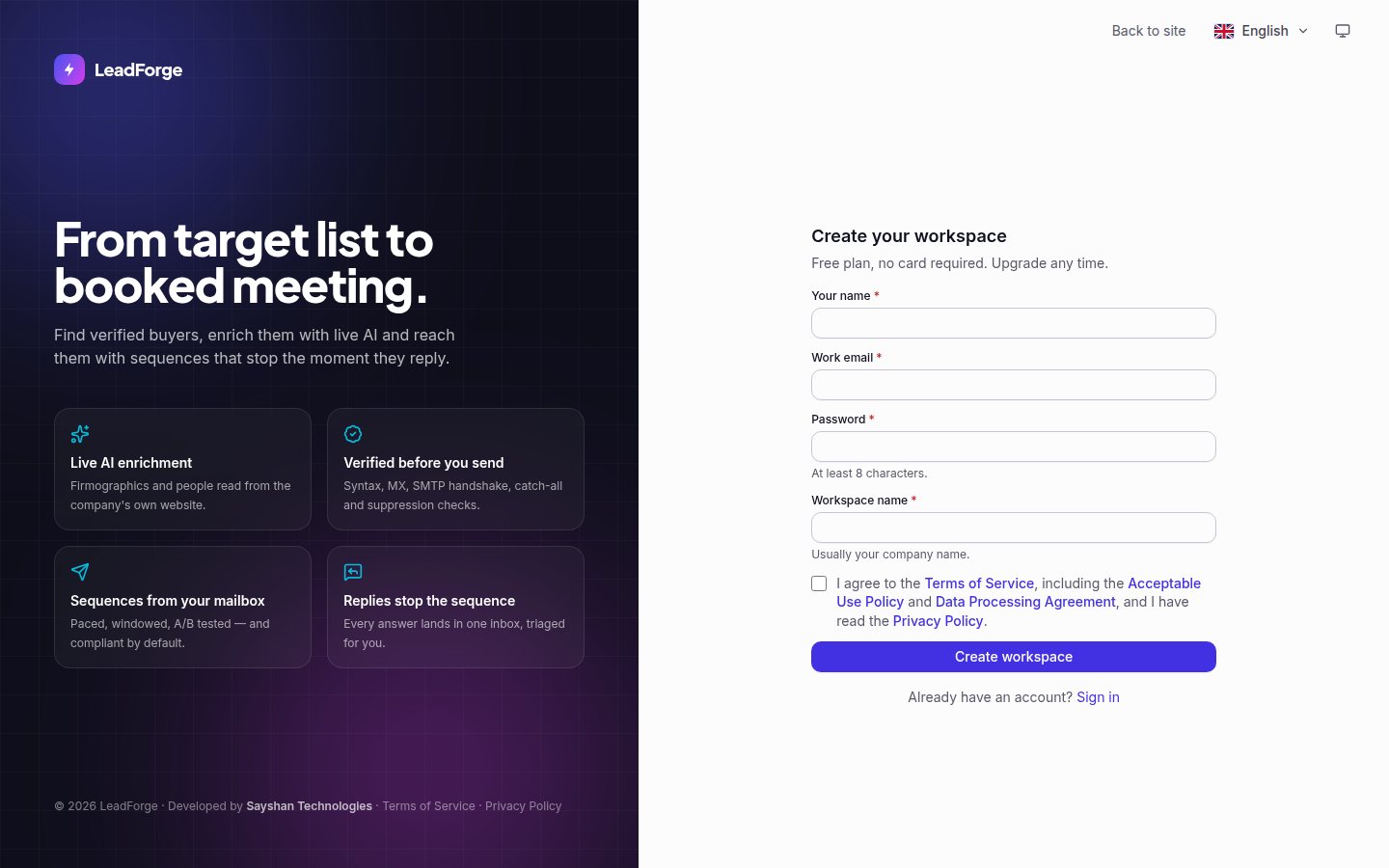
Create your workspace
A workspace is your team's account: its members, its data, its credits and its bill. Every workspace gets its own separate database, so nothing you store is visible to another customer.
- 1Open the sign-up page and enter your work email, a password and, if you like, your name and a workspace name.
- 2Choose a password of 8 to 128 characters that mixes letters with digits or symbols.
- 3Tick the box that accepts the Terms of Service, Acceptable Use Policy, DPA and Privacy Policy. Sign-up is refused without it.
- 4You are signed in straight away on the Free plan with 100 credits. Click the link in the "Confirm your email address" message we send (valid for 48 hours).
Take the guided tour
The first time you open the app a short tour points out the menu, your credit balance and the places you will use most. You can skip it at any time.
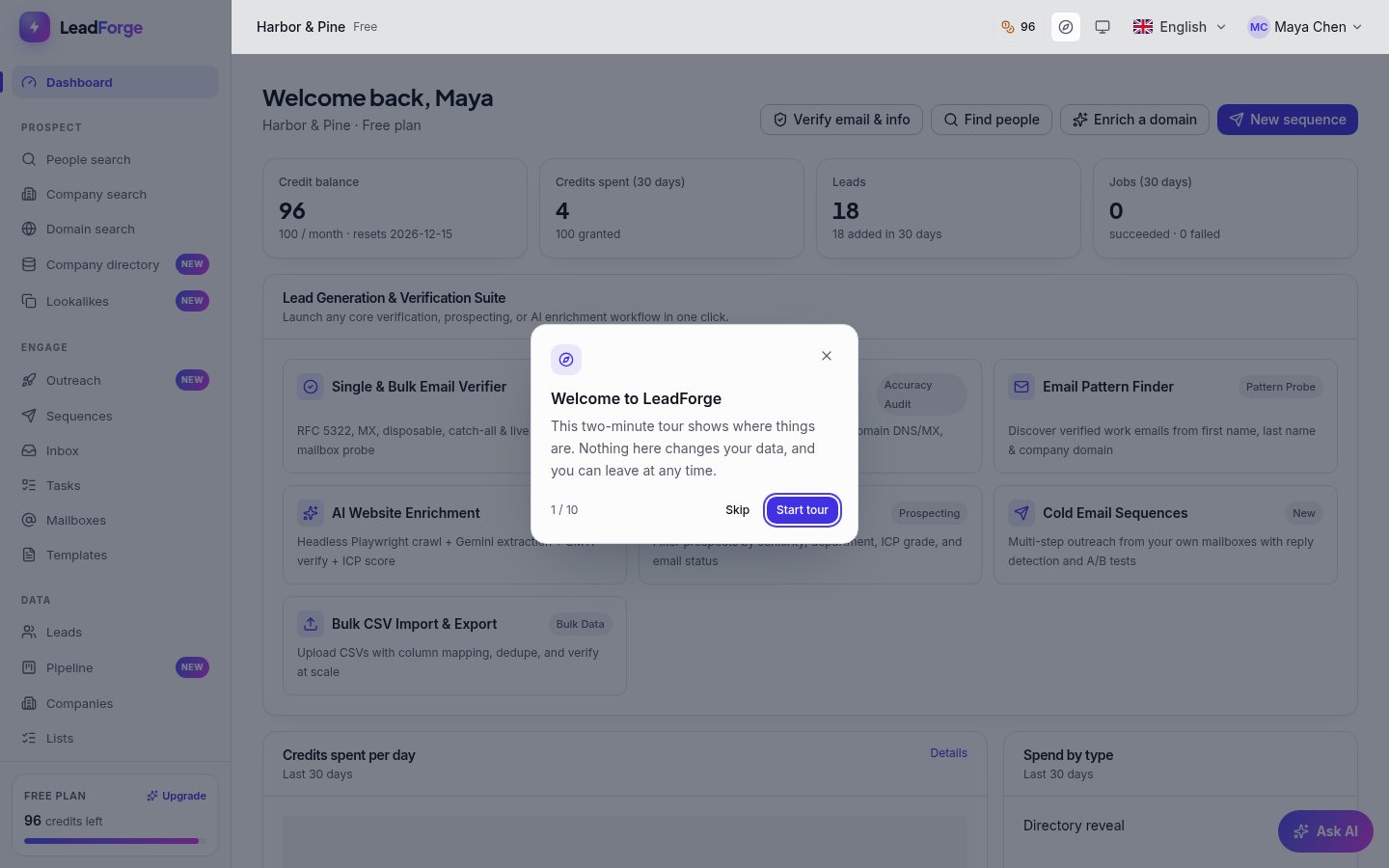
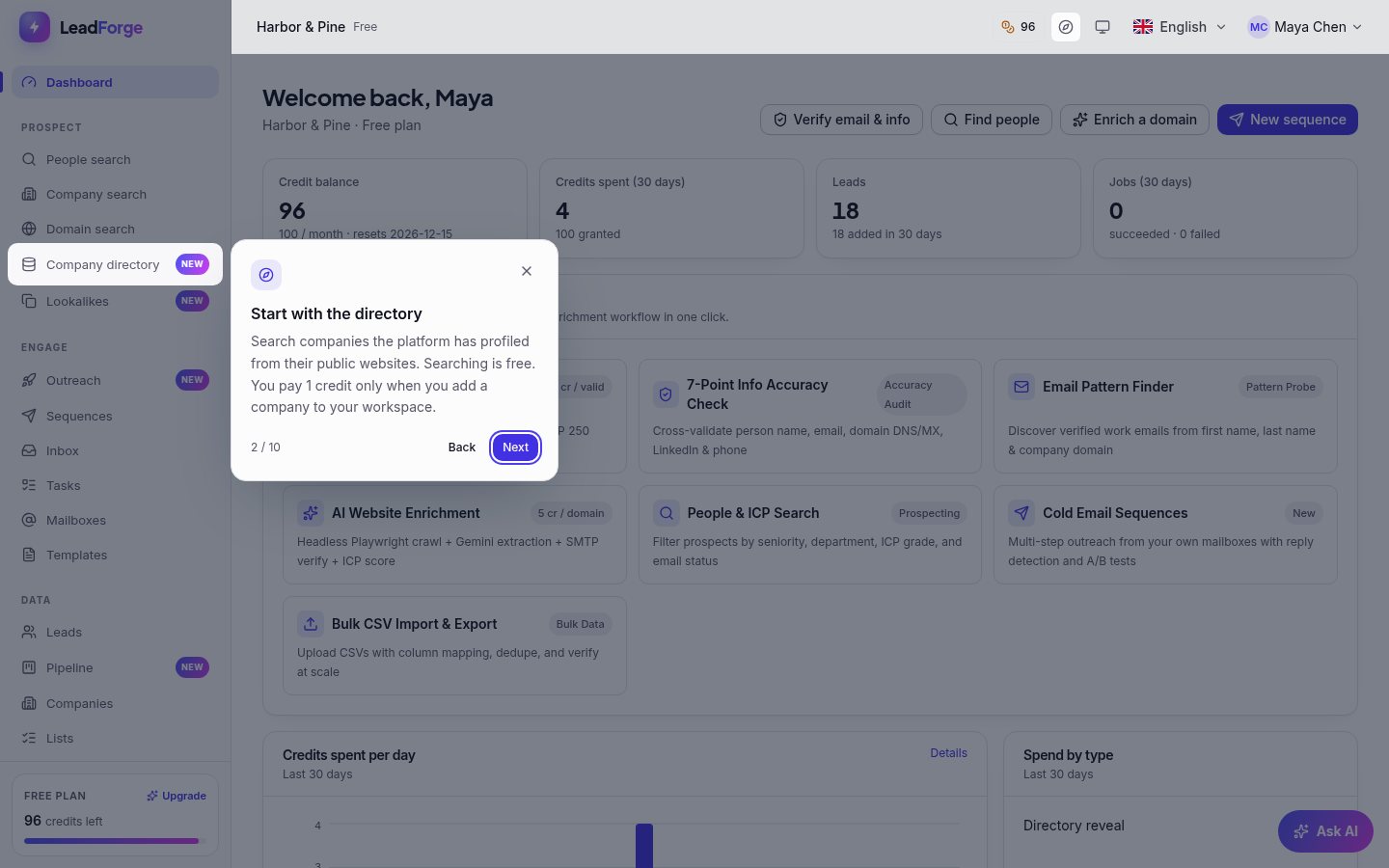
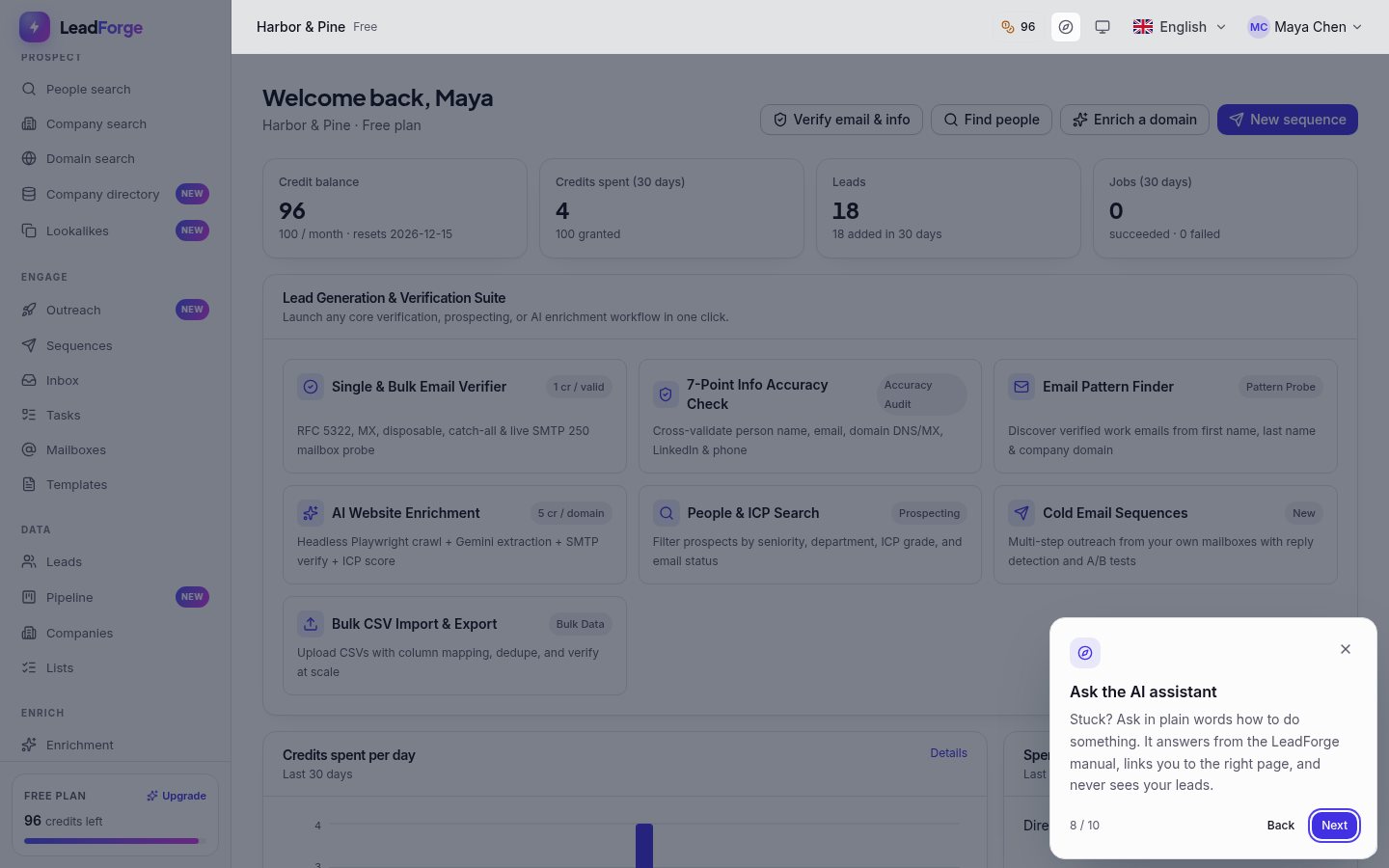
- Restart it whenever you like with the Take the tour button in the top bar (the compass icon), or open the app with ?tour=1 on the end of the address.
- One step shows the Ask AI button; see the AI assistant guide.
- Use Next and Back, or the arrow keys. Esc closes it.
- The tour never changes your data. It only highlights parts of the screen.
- It starts by itself only once, and only if you allowed functional storage in the cookie preferences, because it needs to remember that you have seen it.
Find your way around
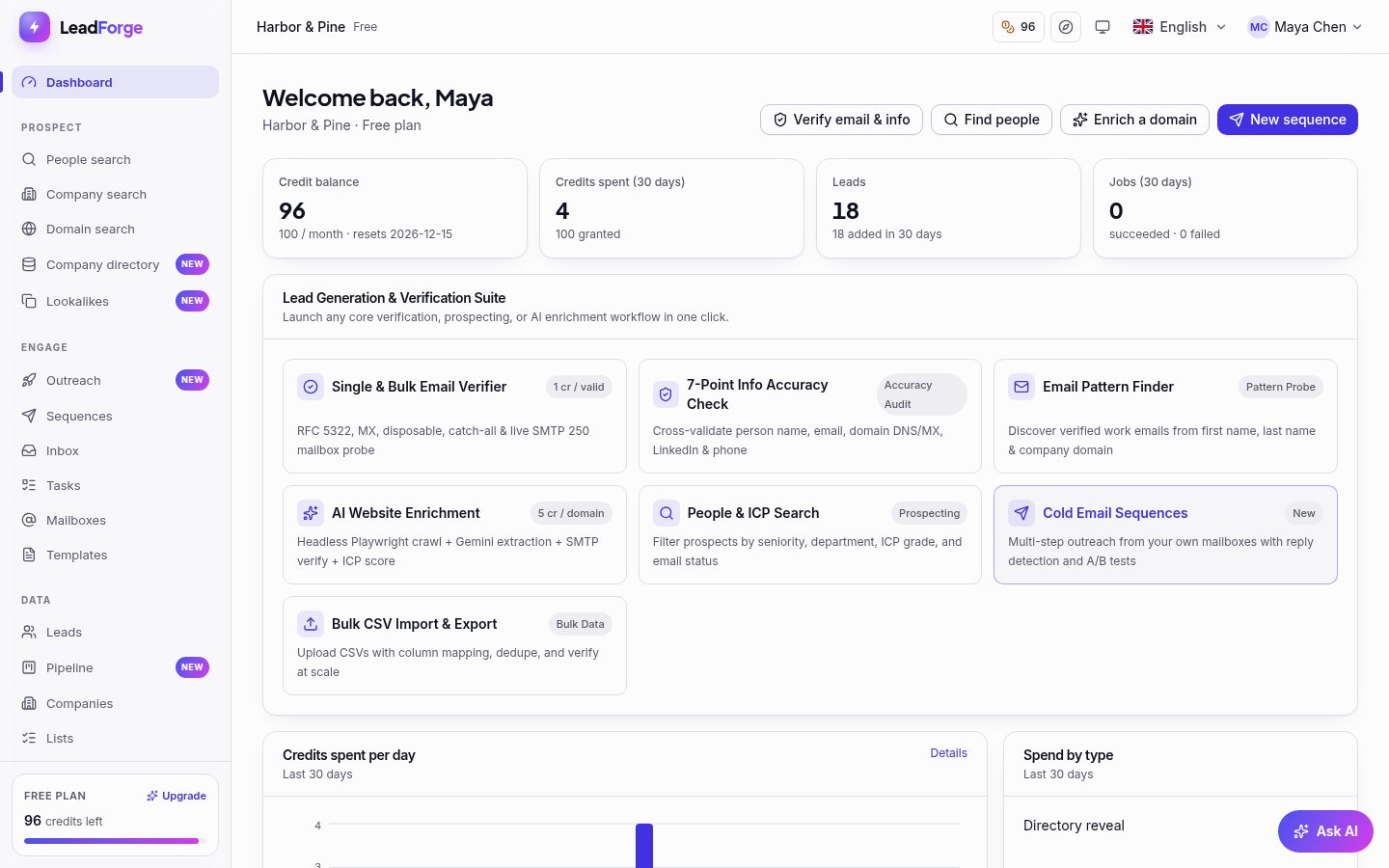
| Menu group | What lives there |
|---|---|
| Prospect | People search, Company search, Company directory, Domain search, Lookalikes |
| Engage | Outreach overview, Sequences, Inbox, Tasks, Mailboxes, Templates |
| Data | Leads, Pipeline, Companies, Lists |
| Enrich | Enrichment, Jobs, Email tools |
| Workspace | Credits & usage, and Settings (workspace, team, API keys, webhooks, integrations, billing, security, compliance) |
Your first ten minutes
- 1Open Company directory and search for companies that match your market. Searching is free.
- 2Select a few companies and add them to your workspace (1 credit each).
- 3Open Enrichment and enrich a domain you care about to find the people on its website.
- 4Verify an email in Email tools, then add the person to a list.
- 5Connect a mailbox in Outreach and build a three-step sequence.