How it fits together
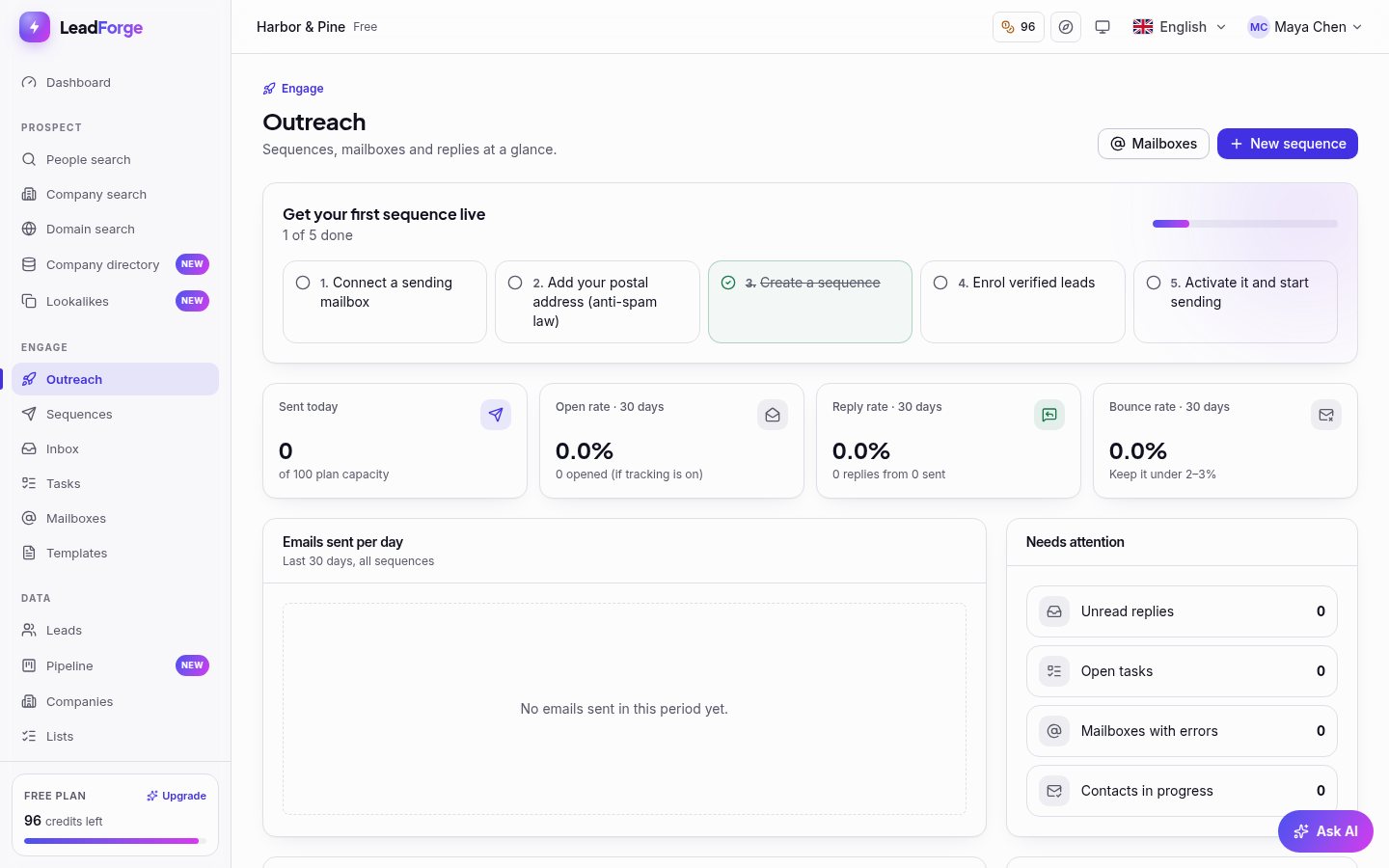
You send multi-step email sequences to your leads from your own mailboxes, without exporting them to another tool. A reply from a person stops the sequence for that person and lands in your inbox.
1. Connect a mailbox and track warmup health
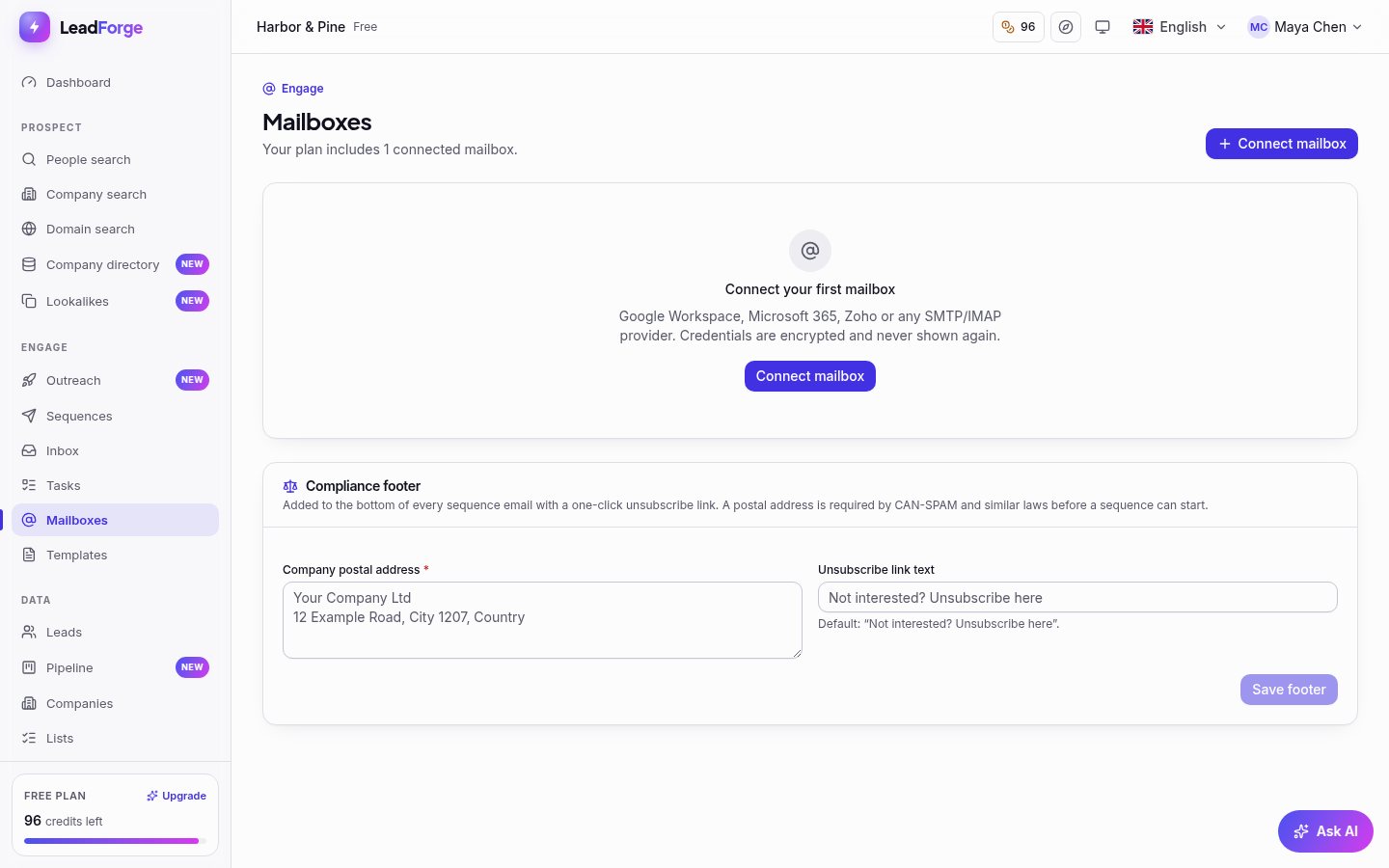
- 1Open Outreach, then Mailboxes, and add a mailbox with its SMTP and IMAP settings.
- 2Gmail and Microsoft 365 need an app password.
- 3IMAP lets us see replies and bounces. Without it you can send but not receive.
- 4Each mailbox displays an In-House Warmup & Deliverability Health bar (0 to 100) with a 30-day progressive ramp-up schedule and bounce-rate guardrails that automatically pause sending if bounce thresholds are exceeded.
3. Build a sequence
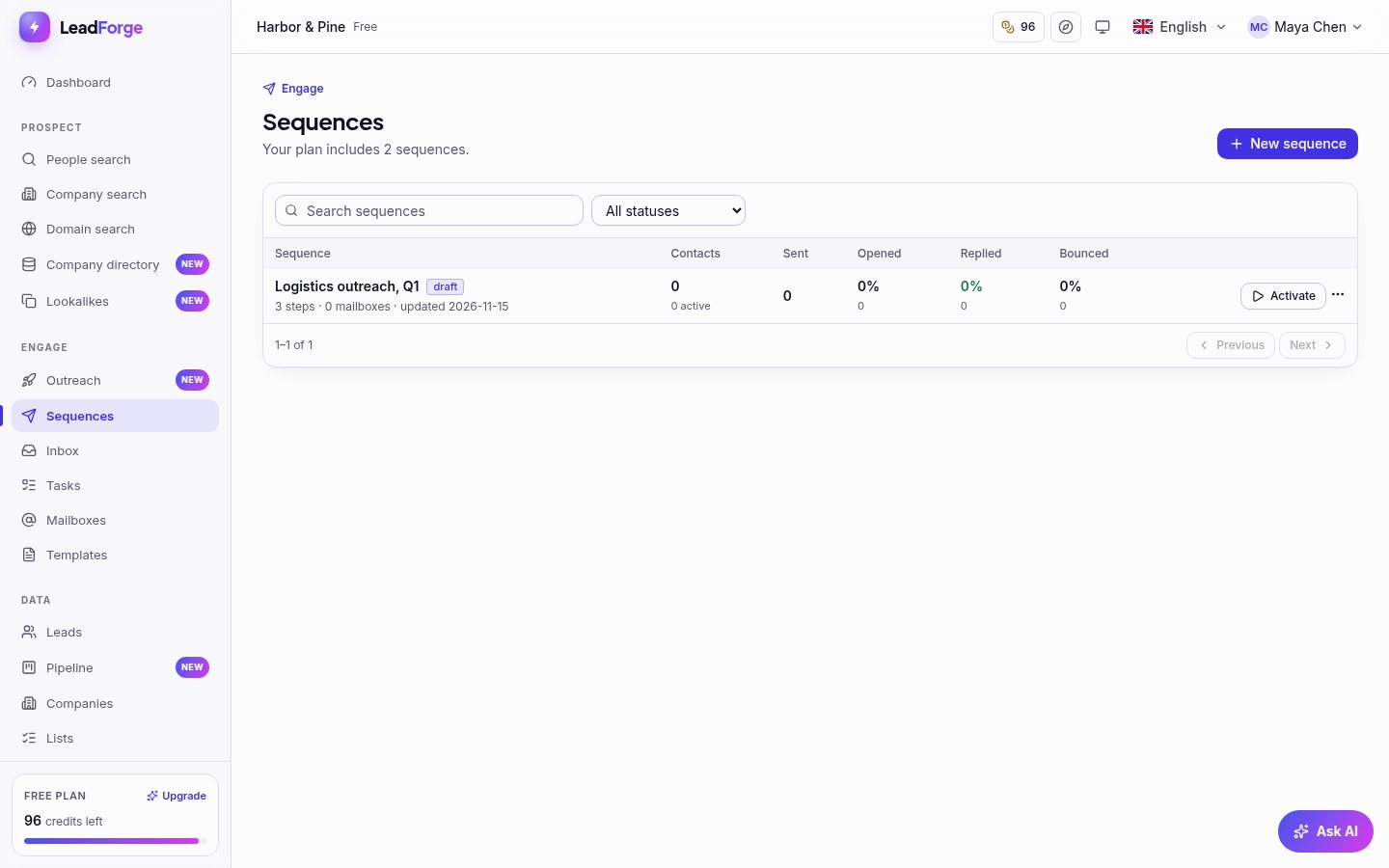
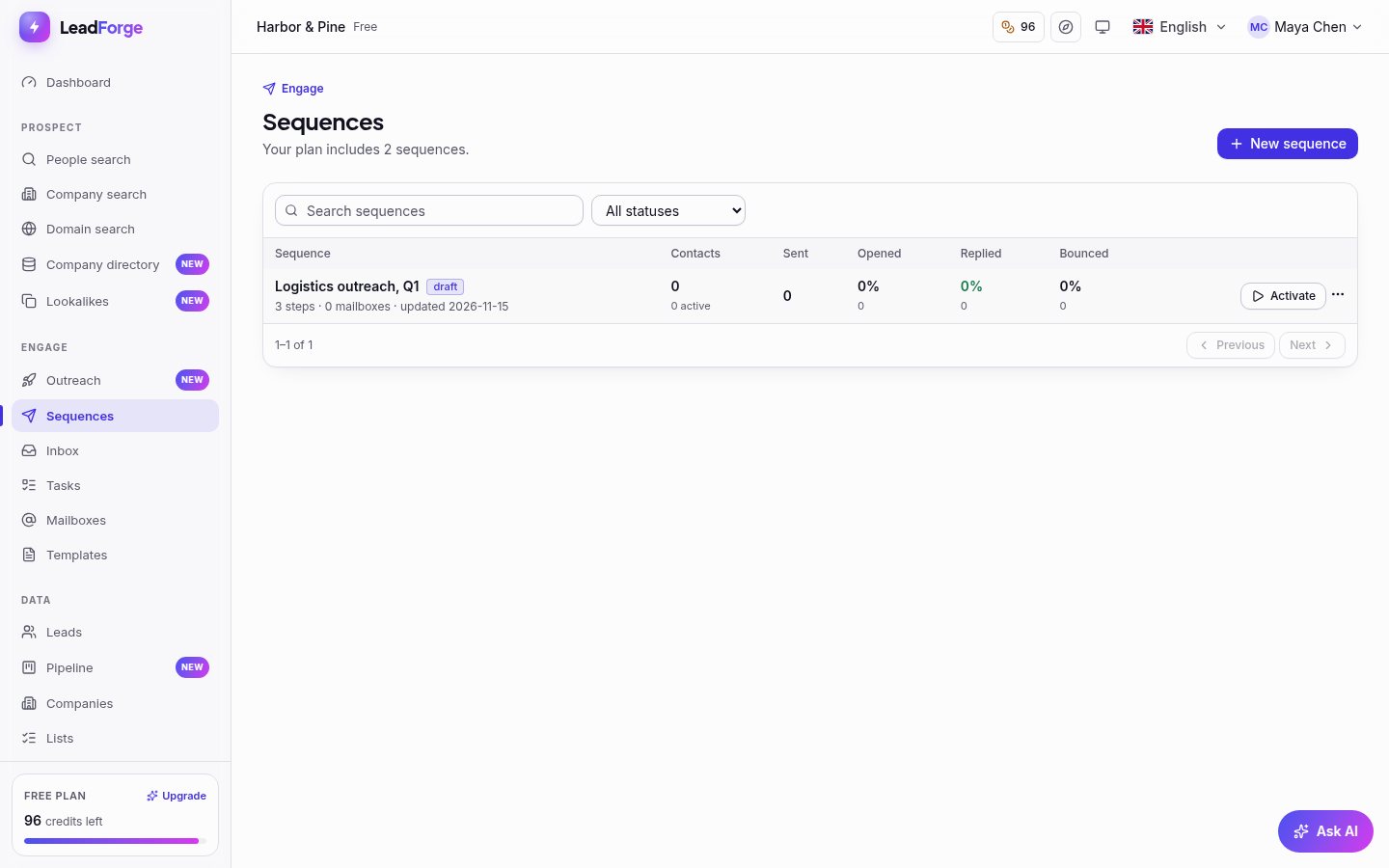
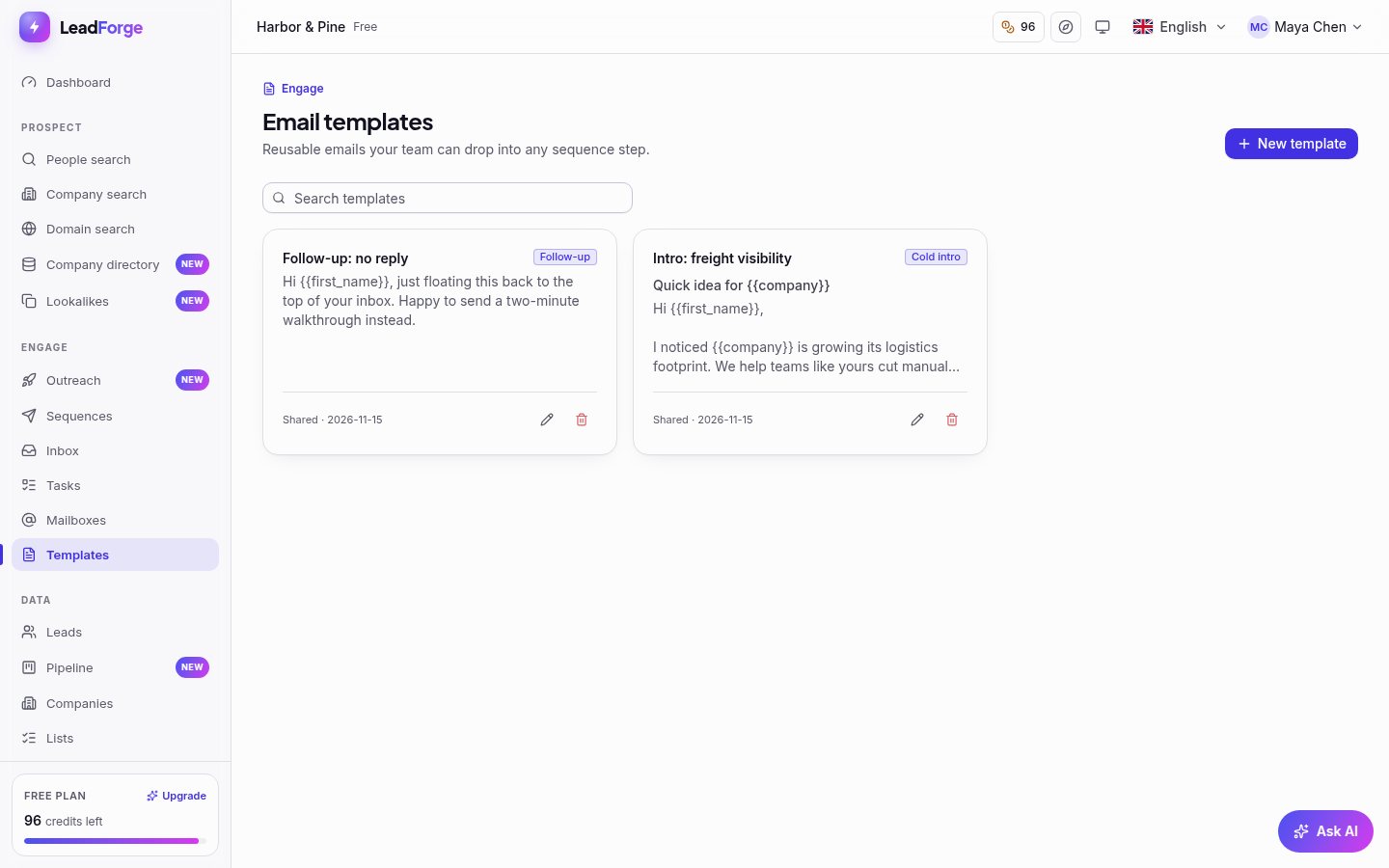
- Start from the three-step template, from an AI draft or from blank.
- Email steps can have up to five A/B variants, personalised with variables such as the first name and company.
- Manual steps (a call, a LinkedIn visit, a task) land in Tasks for you to do.
- Set the send window, time zone and stop rules. By default a reply stops the sequence for that person.
4. Enrol and activate
Enrol leads from the leads table or a list, then activate the sequence. Do-not-contact, suppressed and invalid addresses are always refused. Catch-all and unverified addresses are only enrolled if the sequence allows them.
5. Work the inbox
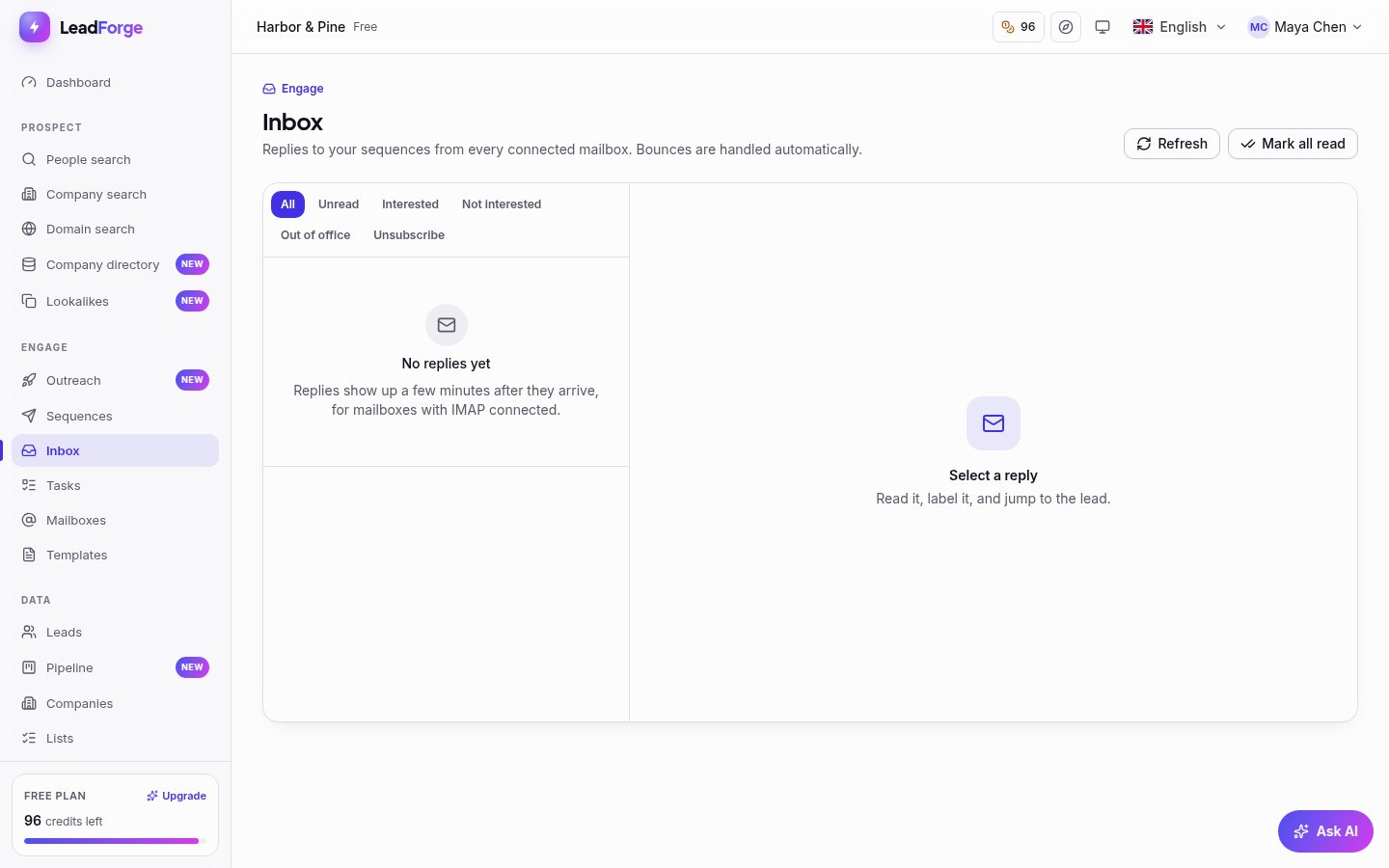
- A reply appears in the Inbox. Answer in the same thread from the same mailbox.
- A bounce marks the address invalid and stops the sequence for that person.
- Tasks collects manual steps and follow-ups that are due.
Sending well
- Send to people with a reason to care about what you offer, and keep each email short and specific.
- Respect the daily cap and send window. Slow and steady protects your domain.
- Honour every opt-out. We suppress opted-out addresses across the whole platform.
- Follow the laws that apply to your recipients, such as CAN-SPAM, GDPR/PECR and CASL. You are responsible for the content and targeting of your emails.